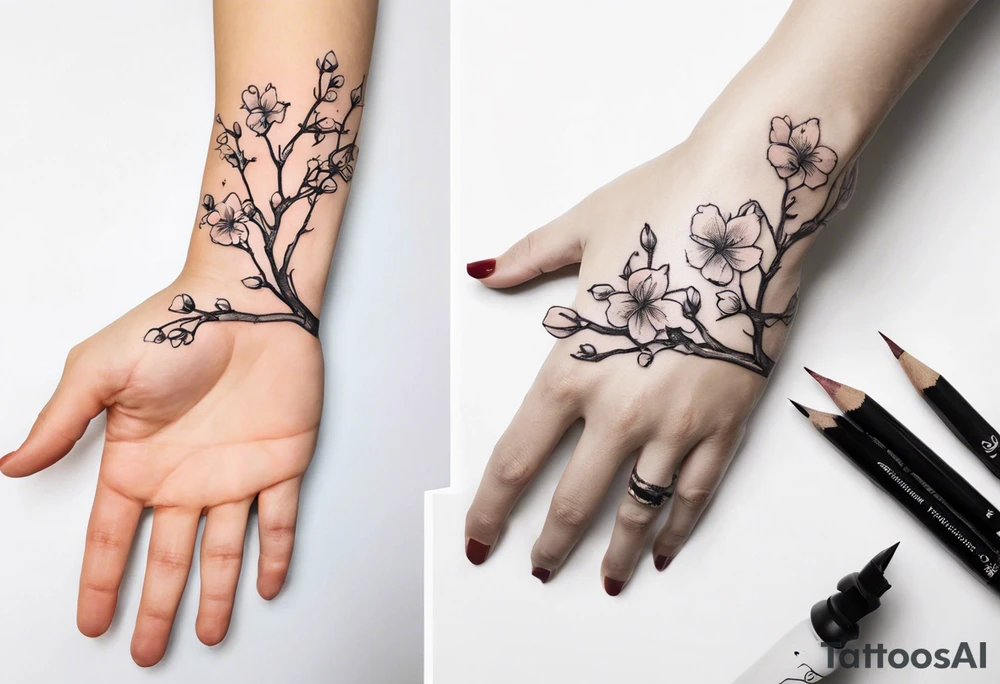
Sure thing! To guide the AI in drawing your tattoo design, you can provide step By Step instructions like this: 1. Start by drawing a human hand pointing at a skeleton hand on the left shoulder. 2. From the wrist of the human hand, draw a cherry blossom branch sprouting out. 3. Let the branch travel down the arm, wrapping around the bicep once. 4. Narrow the branch to fit through a 7 cm gap on the forearm. 5. Finally, end the branch in a 10 cm gap on the wrist, adding more blossom flora to complete the design. These detailed instructions should help the AI create a visual representation of your envisioned tattoo. tattoo idea
This tattoo concept was designed with the help of our AI tattoo generator. It's a black and white tattoo in the style of minimalist.
This tattoo was generated by artist-MlmB1 on 28/09/2024.
minimalist
black and white


Join 9,635 happy customers.